Free construction and contractor timesheet template (Excel and Google Sheets)
This is a free weekly construction and contractor timesheet for a Monday-to-Sunday week. Use it on a construction site or a contractor job: one row per day, per site, with hours, breaks and sign-off. If someone works at more than one site in the same week, give each site its own row.
If you pay contractors or subbies by the hour, you need a record of who worked where, and for how long, that both of you agree on. A plain timesheet does that job fine. Here's a free one. Fill in the short form to get the Excel or CSV file. Marketing emails are optional — leave the box unticked if you only want the file.
What's in the contractor timesheet template
One row per day, per site:
| Date | Contractor name | ABN | Site / job | Start | Finish | Break (mins) | Hours | Work done | Contractor sign | Approved by |
|---|---|---|---|---|---|---|---|---|---|---|
- Hours works itself out from start, finish and break.
- There's a weekly total at the bottom.
- There's a column for each side to sign off, so everyone has signed off on the same record.
How to use it well
A template only works if it's filled in on the day. A few tips from watching it go wrong:
- Fill it in daily, not Friday. Memory gets creative by the end of the week.
- One site per row. If someone does two sites in a day, give it two rows.
- Write what was done. A short note like "Level 2 framing" settles most "what was that for?" questions.
- Get it approved the same week. Disagreements are easier to sort while everyone remembers.
- Keep a copy. Save it in a shared folder, not just on someone's laptop.
Where templates fall over
Honestly, the template is fine. The problem is people:
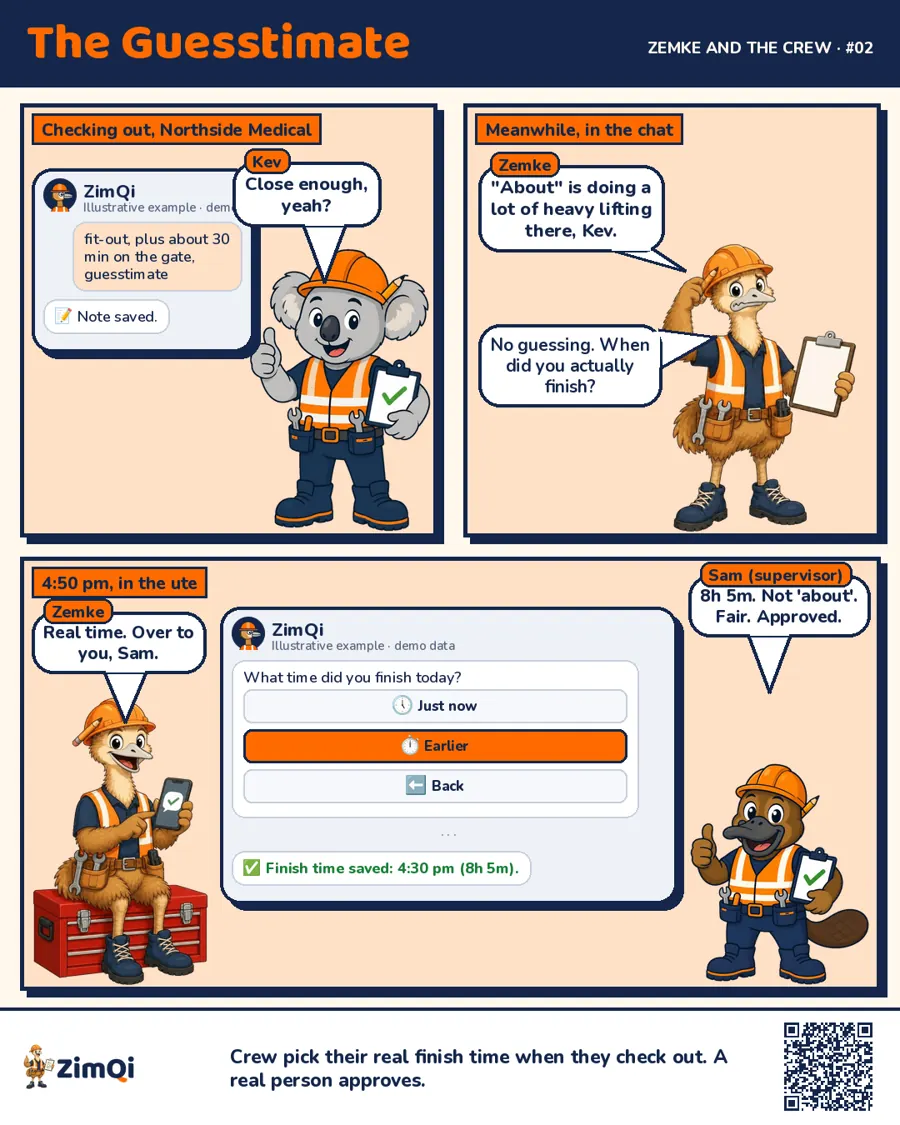
- Sheets come back on Monday, filled in from memory
- Photos of crumpled paper arrive by text
- Five subbies means five different formats
- Someone has to retype it all into Xero
If that sounds familiar, that's the bit ZimQi fixes.
When a template is no longer enough
With ZimQi, contractors tap in and out from Telegram on their own phone. There's no app to download and no sheet to fill in. Their times end up in the same kind of columns as this template, without anyone retyping them.
- You approve hours with one tap
- Subbie hours can become draft bills in Xero
- Records save to your own Google Drive or Dropbox (OneDrive coming soon)
- The same chat handles site sign-in, Smart Forms (SWMS, toolbox talks, incidents, job sheets), licence and insurance expiry reminders
Keep using the template if it works for you. If you're sick of chasing it, try the other way.
Try it on Telegram, no app to download
A note on Fair Work record-keeping (not legal advice)
Australian employers have to keep time-and-wages records. A template helps you capture hours; it does not complete your legal obligations. Workers can also keep their own record, including with the Fair Work Ombudsman’s Record My Hours app. This is general information, not legal advice. See Fair Work’s official record-keeping page for the current rules.
This template is a record-keeping tool. It isn't tax advice either. Check with your accountant or advisor if you're unsure how to use it for your business.
FAQ
Is the template really free? Yes, it is free. Fill in a short form (name, work email and a few details) to download it, and change it however you like. Marketing emails are optional: you can leave that box unticked.
Does it work in Google Sheets? Yes. Open the CSV in Google Sheets, or upload the .xlsx and it keeps the formulas.
Can I add my logo? Yes. The top row is there for your business name and logo.
How is this different from an employee timesheet? It adds ABN and job and work-done columns, which help when matching contractor invoices.
Can contractors fill it in on their phone? They can, in Sheets, but it's fiddly. That's why ZimQi does it as a tap in Telegram.
Can ZimQi export in this same format? Yes. Approved hours export with the same kind of columns, or go straight to Xero.
Related
- Free timesheet and toolbox talk templates
- Timesheet app for subcontractors in Australia
- Timesheet app Australia
- Subcontractor timesheet & form app
- Timesheet app for Xero
- Site sign-in & induction app
- Time clock app
- Free toolbox talk template
- Contractor management for small crews
- Home · Pricing · Compare apps